

Realme Buds T100 TWS in Bangladesh
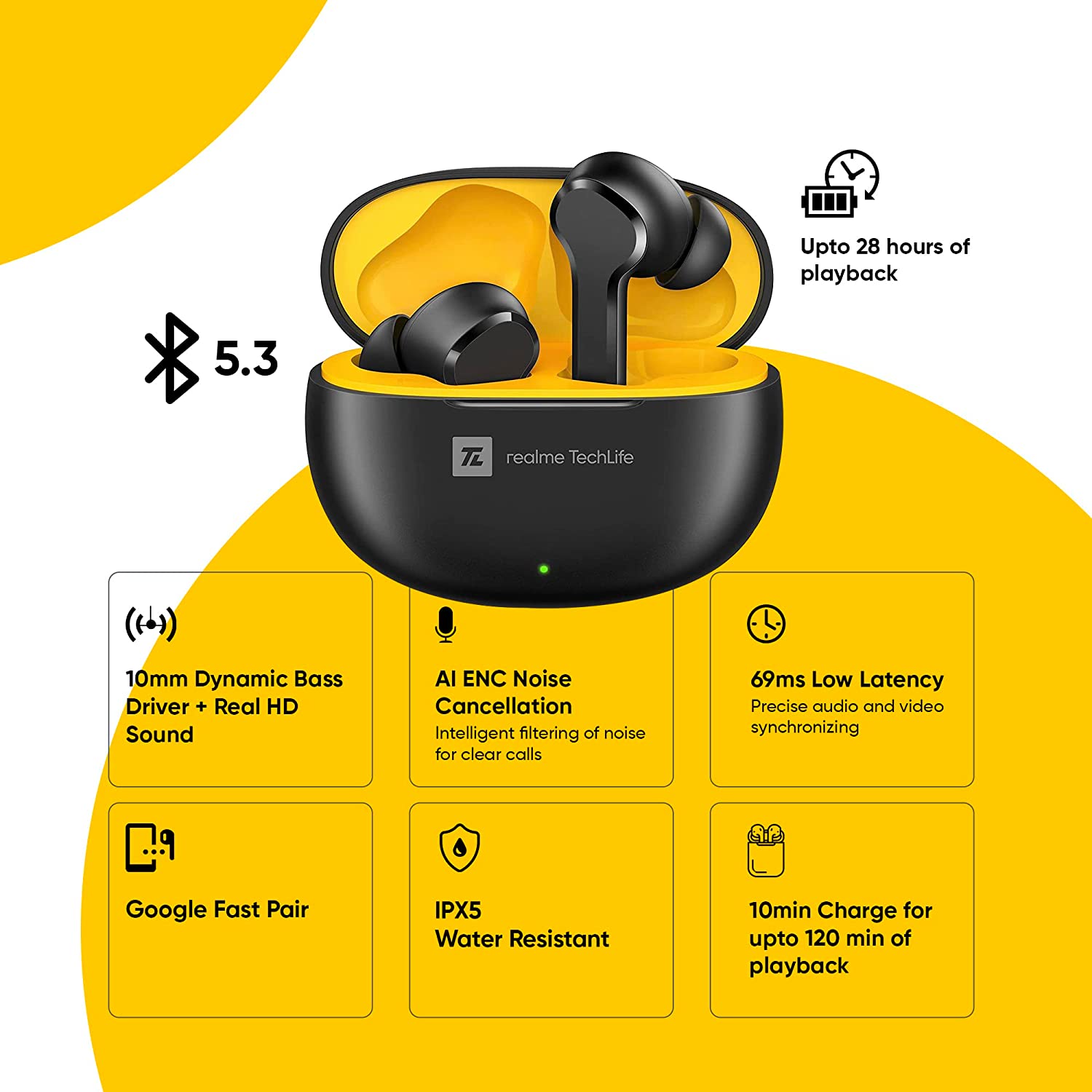
10mm Dynamic Bass: Indulge into rich sound tones, clear vocals and enhanced bass with realme TechLife Buds T100 as they come with a 10mm dynamic bass driver.
AI ENC for Calls: The realme TechLife Buds T100 features AI ENC technology to eliminate background noise, so you can listen to music without being distracted by the surroundings.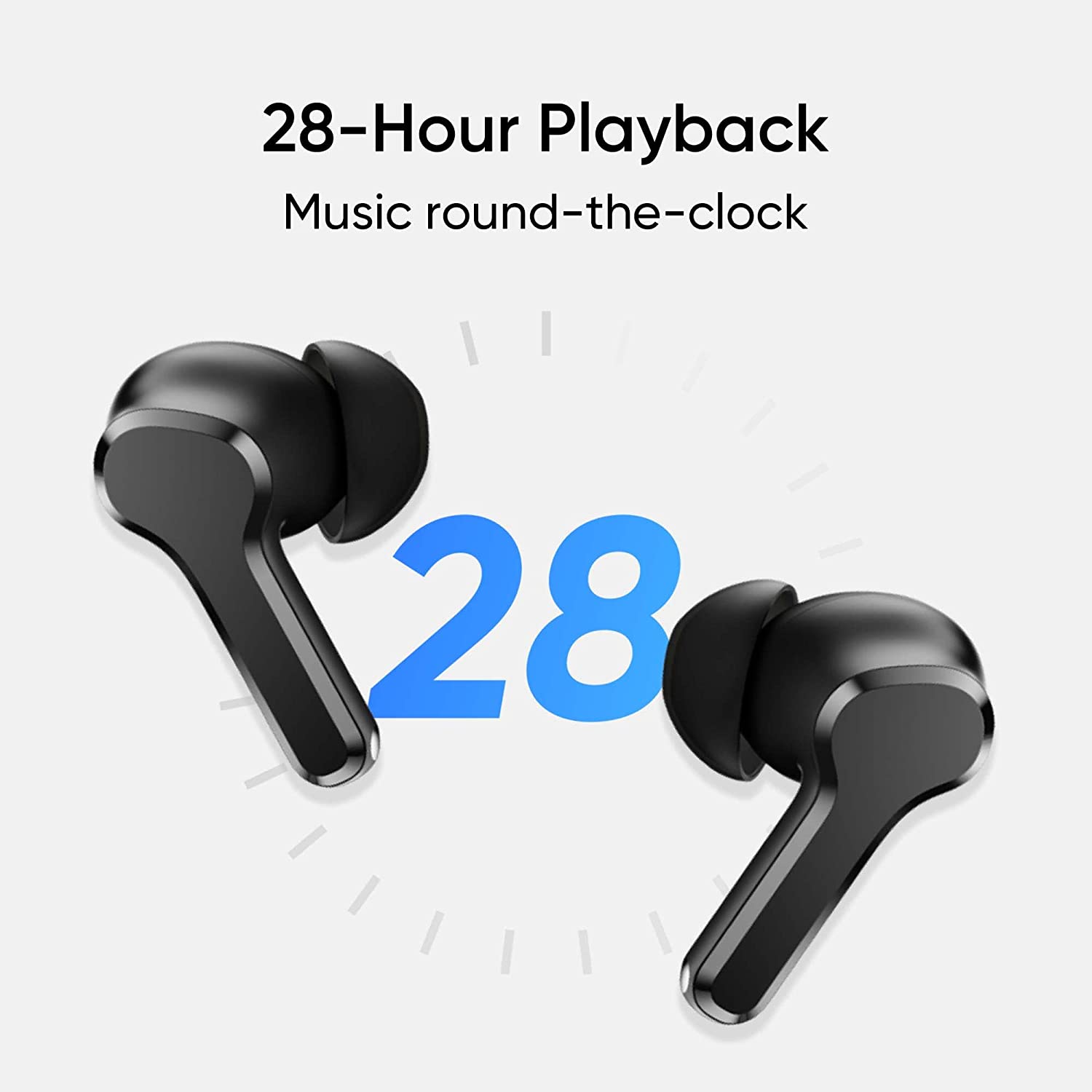
28 Hours Total Playback: Whether you’re watching your favourite shows, blazing through your playlist, or enjoying the outdoors, realme TechLife Buds T100 keeps you connected and comfortable all day long.
88ms Super Low Latency: With the realme TechLife Buds T100 precise audio and visual synchronization, you can play games in a fun way and switch on the gaming mode that allows you to play games with super low latency.
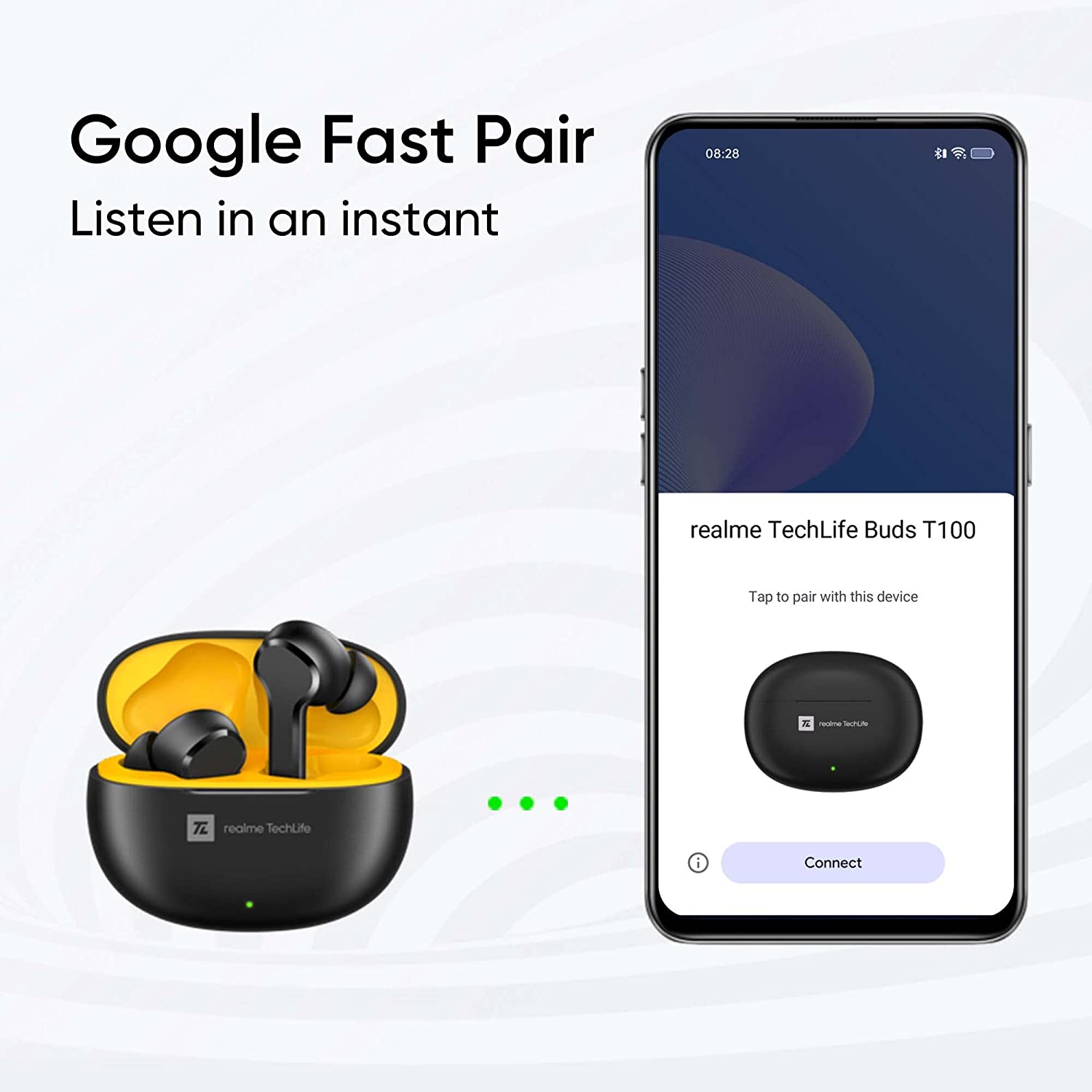
Real HD Sound: The realme TechLife Buds T100 provides “Studio-Level” sound. Experience Real HD sound on the realme Link App.
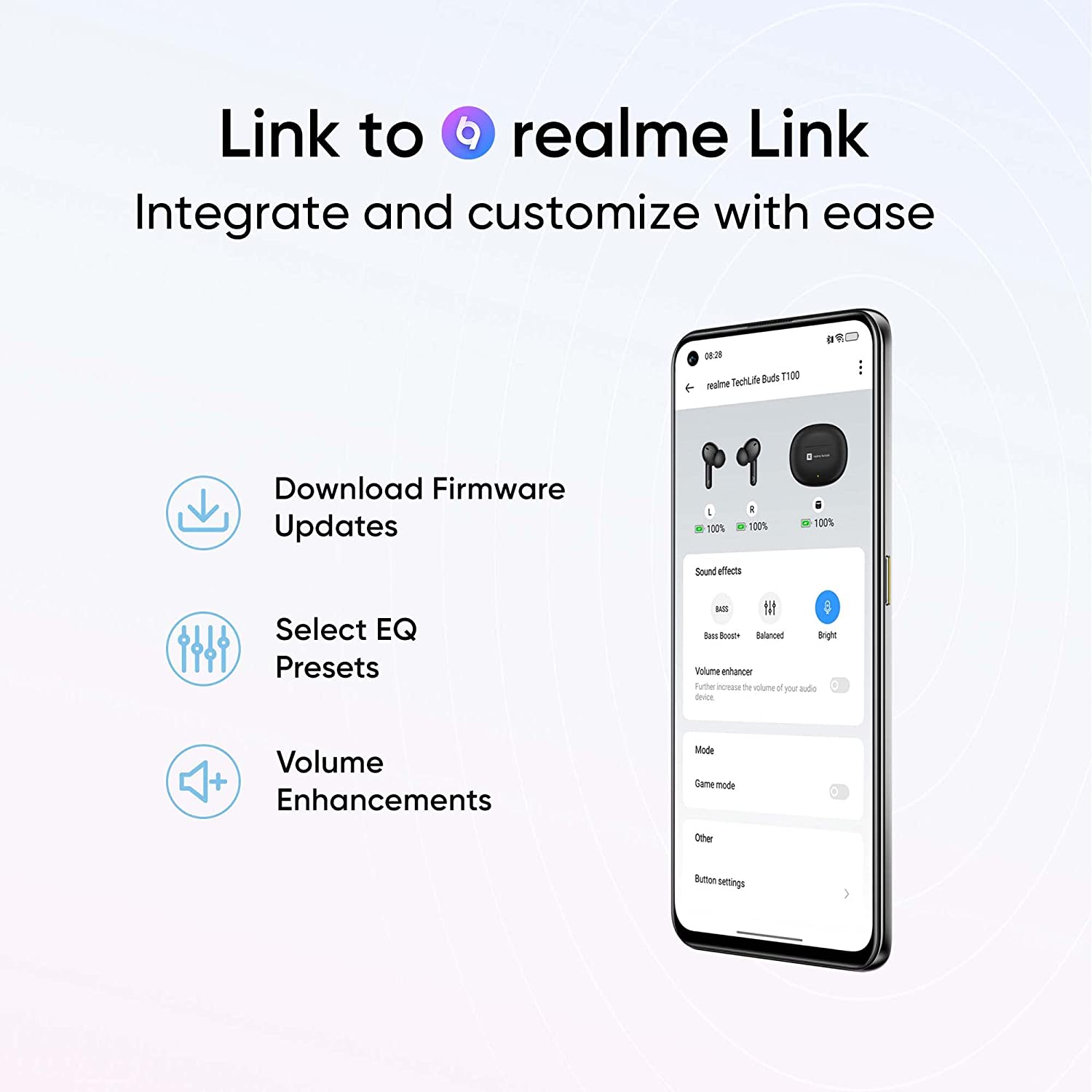
realme Link App: With realme Link, you’ll be able to customize EQ settings, assign customized touch commands, and perform more tailored functions.
What is the price of the Realme TechLife Buds T100 in Bangladesh?
The latest price of Realme TechLife Buds T100 Earbuds in Bangladesh is 1,799৳. You can buy the Realme TechLife Buds T100 Earbuds at best price from our website or visit of our showrooms.
FAQs (Frequently Asked Questions):
Realme TechLife Buds T100 TWS – FAQ
1. What type of drivers are used in the Realme TechLife Buds T100?
- 10mm dynamic bass drivers.
2. What is AI ENC and how does it benefit calls?
- AI ENC (Environmental Noise Cancellation) reduces background noise for clearer calls.
3. How long does the battery last on the Realme TechLife Buds T100?
- Up to 28 hours of total playback.
4. What is the latency for gaming with these earbuds?
- 88ms super low latency for smooth audio-visual synchronization.
5. What does Real HD Sound mean for these earbuds?
- It provides “Studio-Level” sound quality for an immersive audio experience.
6. What features can be customized using the realme Link App?
- EQ settings, touch commands, and other tailored functions.
7. How do I connect the earbuds to the realme Link App?
- Pair the earbuds with your device and open the realme Link App for connection and customization.
8. Can I use the Realme TechLife Buds T100 for gaming?
- Yes, they offer a gaming mode with low latency for a better gaming experience.
9. Are the Realme TechLife Buds T100 comfortable for extended use?
- Yes, designed for comfort during prolonged wear.
11. Can the earbuds be used while exercising?
- Yes, they are suitable for various activities, including workouts.
12. How can I update the firmware of the Realme TechLife Buds T100?
- Firmware updates are managed through the realme Link App.
13. Do the earbuds support voice assistants?
- Yes, you can use voice assistants with customizable touch commands via the realme Link App.
14. How do I switch between different sound profiles?
- Use the realme Link App to select and adjust sound profiles.
15. What is included in the box with the Realme TechLife Buds T100?
- Earbuds, charging case, user guide, and a USB charging cable.
16. Can I use just one earbud at a time?
- Yes, you can use each earbud independently.
17. How do I reset the Realme TechLife Buds T100?
- Refer to the user guide for reset instructions or use the realme Link App.
18. Are the earbuds water-resistant?
- The earbuds have a water resistance rating suitable for sweat and light splashes.
19. How do I charge the Realme TechLife Buds T100?
- Charge the earbuds and case using the included USB Type-C cable.
20. How long does it take to fully charge the earbuds?
- Charging time varies; typically around 1-2 hours for a full charge.
21. How do I check the battery level of the earbuds?
- Battery levels can be checked through the realme Link App.
22. Can the earbuds be used while they are charging?
- No, the earbuds cannot be used while charging.
23. Are there any special features for call quality?
- Yes, AI ENC technology improves call clarity by reducing background noise.
24. How do I activate the gaming mode on the earbuds?
- Enable gaming mode through the realme Link App for lower latency.
25. What is the Bluetooth range of the Realme TechLife Buds T100?
- Up to 10 meters (33 feet).
26. Are the earbuds compatible with all Bluetooth devices?
- They are compatible with most Bluetooth-enabled devices.
27. How do I pair the earbuds with a new device?
- Put the earbuds in pairing mode and select them from the Bluetooth settings on your device.
28. Can I customize touch controls on the earbuds?
- Yes, customize touch controls through the realme Link App.
29. How do I know when the earbuds are fully charged?
- The LED indicators on the earbuds and case will show when fully charged.
30. Do the earbuds come with a warranty?
- Yes, they come with a standard manufacturer warranty. Check the warranty card for details.
31. What should I do if I experience connectivity issues?
- Ensure the earbuds are in pairing mode, and restart both the earbuds and your device.
32. How do I clean the Realme TechLife Buds T100?
- Use a dry, soft cloth to clean the earbuds and charging case. Avoid using liquids.
33. Can I use the earbuds while traveling?
- Yes, they are ideal for travel with long battery life and comfortable fit.
34. Are there any additional accessories included?
- The standard package includes the earbuds, charging case, USB cable, and user guide.
35. What is the return policy for the Realme TechLife Buds T100?
- Check with the retailer for their specific return policy.
36. How do I know if the earbuds are connected to my device?
- The realme Link App and Bluetooth settings will indicate when the earbuds are connected.
37. Can I adjust the volume through the earbuds?
- Volume control is managed through your device or customizable touch commands.
38. How do I enable or disable AI ENC for calls?
- AI ENC settings can be adjusted through the realme Link App.
39. What is the weight of each earbud?
- Each earbud weighs approximately 4.3 grams.
40. What is the weight of the charging case?
- The charging case weighs approximately 38.1 grams.
41. How do I update the realme Link App?
- Updates for the realme Link App can be managed through your app store.
42. What should I do if one earbud isn’t working?
- Ensure both earbuds are charged and properly paired; reset if necessary.
43. How do I access the sound profiles?
- Sound profiles can be accessed and adjusted through the realme Link App.
44. Can I use the earbuds with a laptop or desktop?
- Yes, they can be used with any Bluetooth-enabled laptop or desktop.
45. What is the total playback time with a full charge and the case?
- Up to 28 hours of total playback with the charging case.

Reviews
There are no reviews yet.